iOS · Apple Screen Time
Blocked until you earn it.
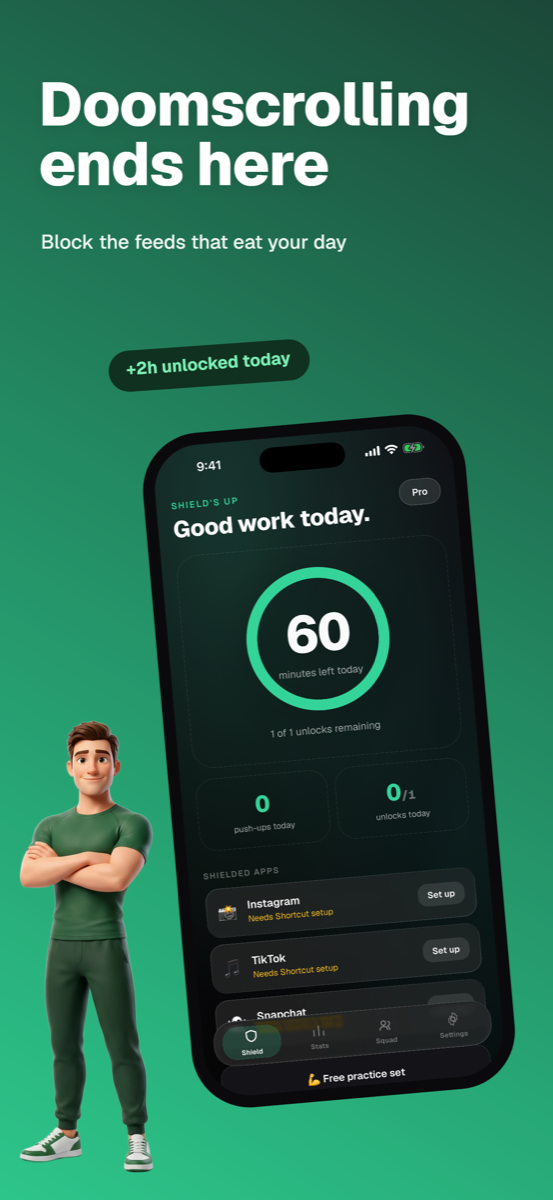
DoomShield locks Instagram, TikTok, and whatever else eats your day. The camera counts your push-ups. Hit the number and the feed opens for a timed session. Timer runs out, the wall goes back up.
Download on theApp StoreFree to start. 3-day free trial on Pro.
How it works
Three steps between you and the feed.
Block
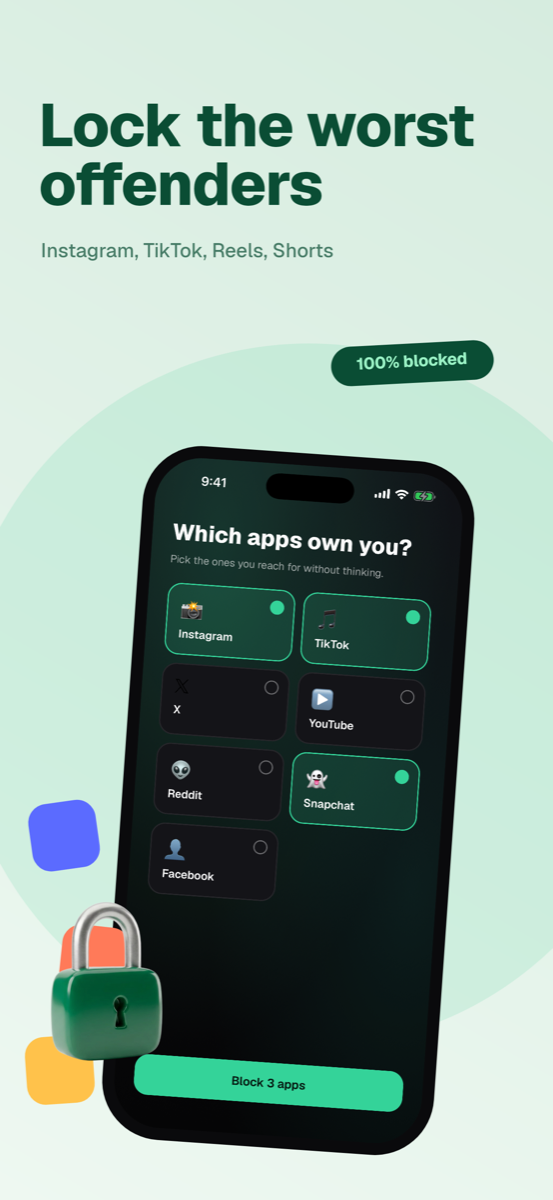
Pick the apps that own you. DoomShield shields them with Apple's Screen Time API, the same system parental controls use. Not a reminder. A wall.
Do the reps
Prop up your phone. The camera counts push-ups, squats, or jumping jacks in real time. No honor system, no tapping a button.
Earn minutes
Hit your target and the shield lifts for a timed session. When it ends, the apps lock again. Want more? You know what to do.
The math
Your excuses do push-ups now.
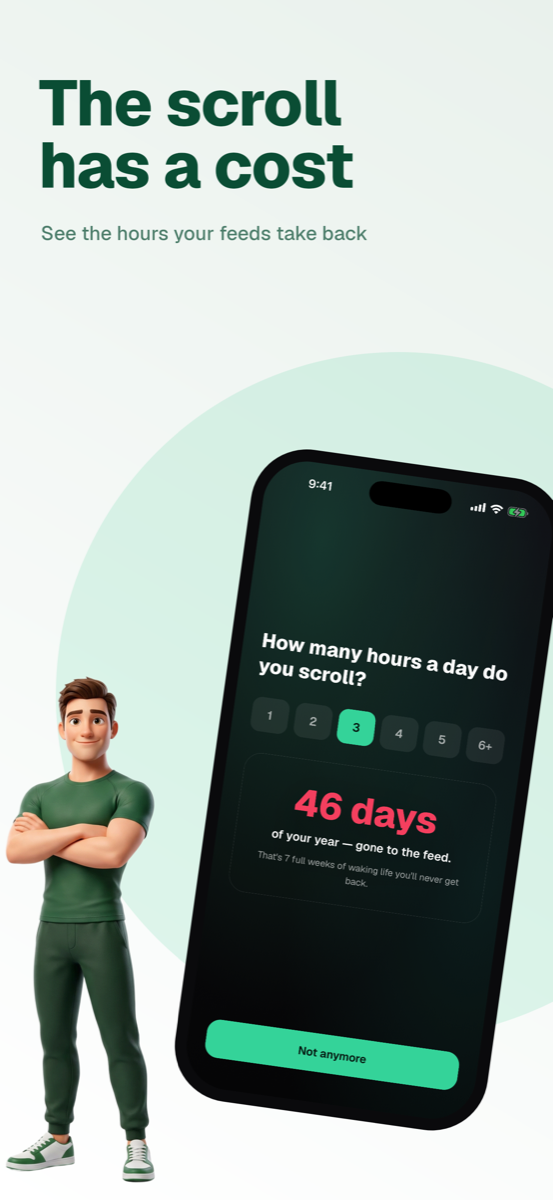
days a year. That's what 3 hours of daily scrolling costs you. Seven full weeks of waking life, gone to the feed.
Willpower apps ask nicely. You tap "5 more minutes" and nothing happens. DoomShield charges a price your body pays up front. Ten push-ups for fifteen minutes of TikTok is a trade you stop making by week two. Either you scroll less, or you get strong. You win both ways.
Privacy
The camera never leaves your phone.
- ✓All pose detection runs on-device with Apple's Vision framework. Your reps are counted by your phone, not a server.
- ✓No video is ever recorded, stored, or uploaded. Frames are processed live and discarded.
- ✓The whole workout loop works in airplane mode.
FAQ
Straight answers.
Does it really block apps?
Yes. DoomShield uses Apple's Screen Time API (FamilyControls), the same enforcement layer behind parental controls. When the shield is up, the app won't open. There's no "ignore for today" button to tap through.
What exercises count?
Push-ups, squats, and jumping jacks, all counted by the camera in real time. You set the rep target, from a quick 3 to a punishing 50 on Pro.
Is it free?
The free tier blocks 2 apps with 1 unlock a day. Pro is a subscription with a 3-day free trial: unlimited apps and unlocks, custom session lengths, and full stats.
Do you see my camera or my data?
No. Pose detection runs entirely on your device and nothing is uploaded. Your blocked-app list and workout history live on your phone.
The feed can wait. Drop and give it ten.
Free on the App Store. Your first set takes about a minute.
Download on theApp Store